Skip to content
Just added to your cart
Qty:
View cart (
)
Continue shopping
Submit
Close search
Home
Products
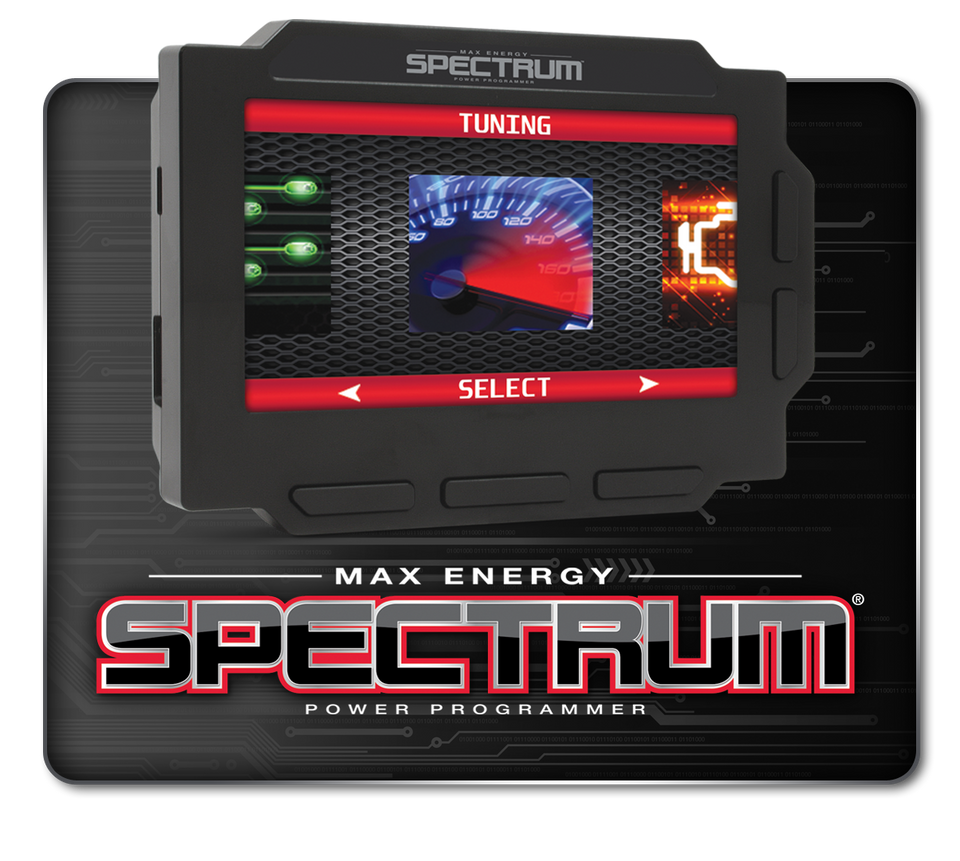
Max Energy Spectrum
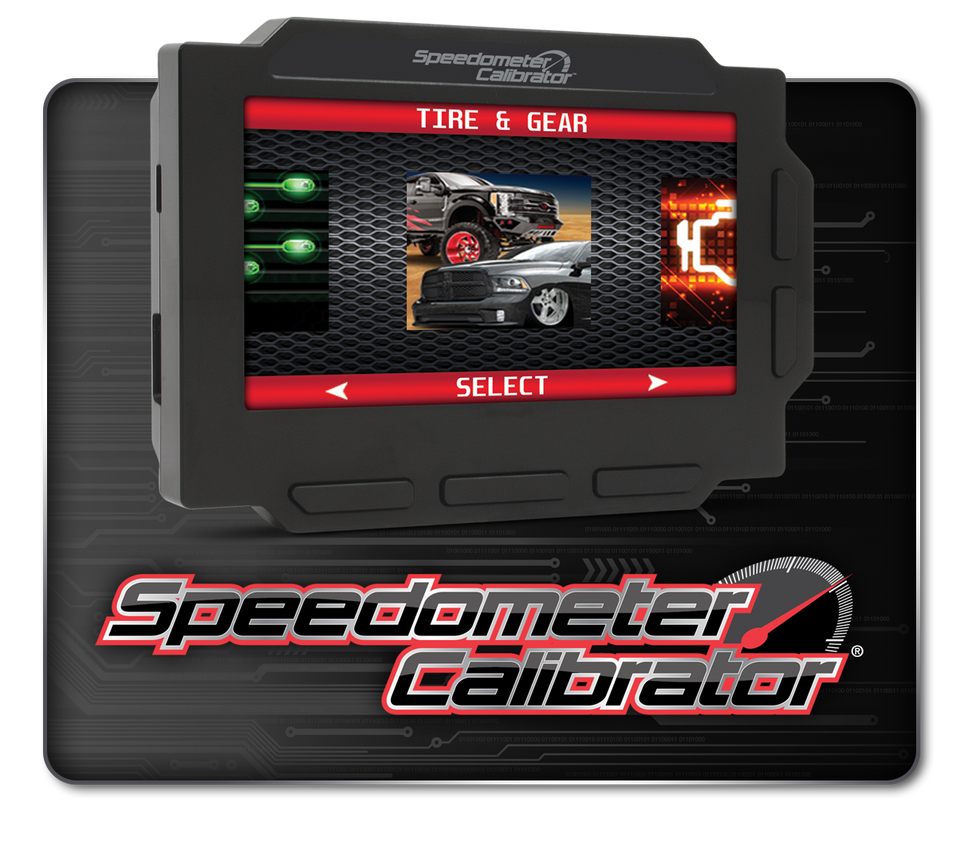
Speedometer Calibrator
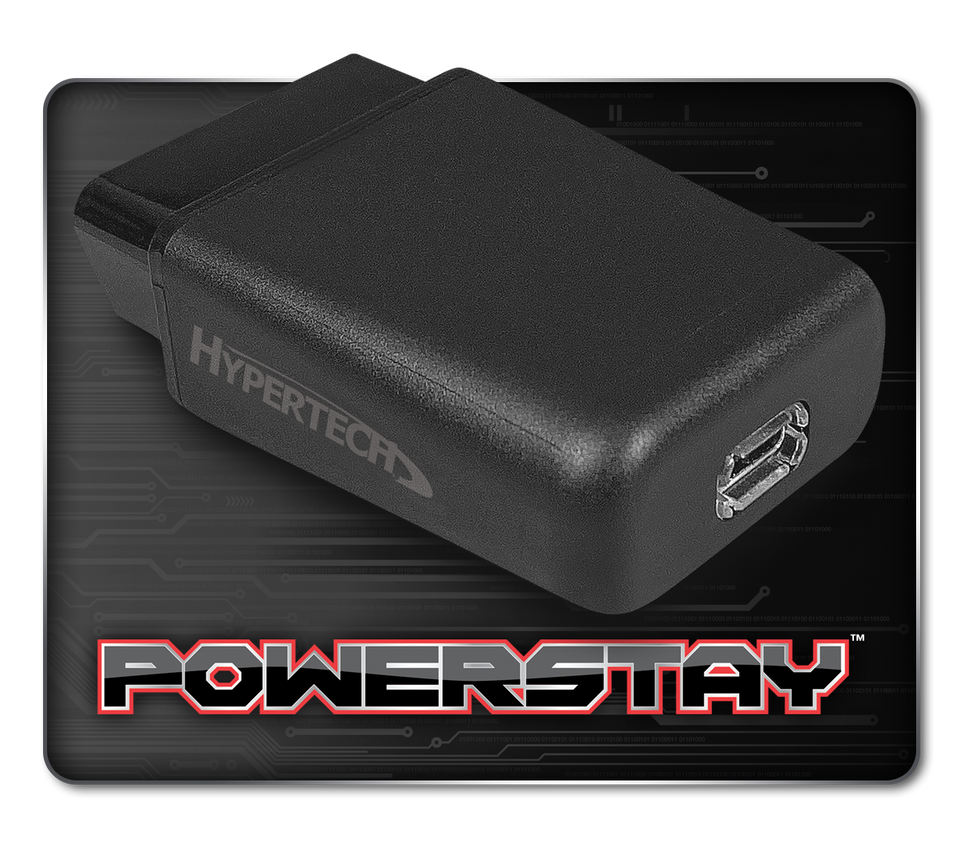
PowerStay
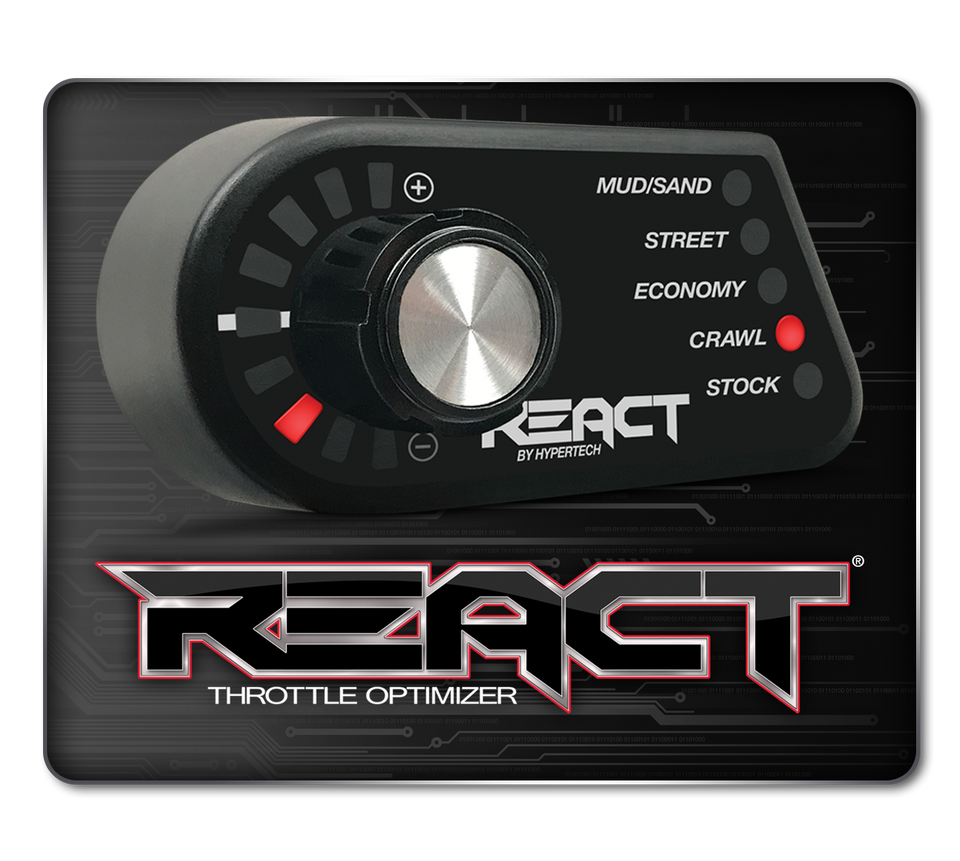
React Throttle Optimizer
TPMS+Booster
Inline Speedometer Calibrator
Voices of the Industry
About Us
Who We Are
Our Founder
How We Tune
Job Opportunities
Polaris & Can-Am UTVs
Can-Am Accessories
Polaris Accessories
Tuning
Download Software
Where to Buy
Cart
Search
Cart
0
items
Home
Products
Products Menu
Products
Max Energy Spectrum
Speedometer Calibrator
PowerStay
React Throttle Optimizer
TPMS+Booster
Inline Speedometer Calibrator
Voices of the Industry
About Us
About Us Menu
About Us
Who We Are
Our Founder
How We Tune
Job Opportunities
Polaris & Can-Am UTVs
Polaris & Can-Am UTVs Menu
Polaris & Can-Am UTVs
Can-Am Accessories
Polaris Accessories
Tuning
Download Software
Where to Buy
Cart
Years
Select Year
2024
2023
2022
2021
2020
2019
2018
2017
2016
2015
2014
2013
2012
2011
2010
2009
2008
2007
2006
2005
2004
2003
2002
2001
2000
1999
1998
1997
1996
1995
1994
1993
1992
1991
1990
1989
1988
1987
1986
1985
1984
1983
1982
1981
1980
1979
1978
1977
1976
1975
1974
1973
1972
1971
1970
1969
1968
1967
1966
1965
1964
1963
1962
1961
1960
1959
1958
1957
1956
1955
1954
1953
1952
1951
1950
1949
1948
1947
1946
1945
1944
1943
1942
1941
1940
1939
1938
1937
1936
1935
1934
1933
1932
1931
1930
1929
1928
1927
Makes
Select Make
Models
Select Models
Engine(Engine code)
Select Engine(Engine code)
INSTAGRAM
Use left/right arrows to navigate the slideshow or swipe left/right if using a mobile device
Choosing a selection results in a full page refresh.
Press the space key then arrow keys to make a selection.